


Environments
Repositories
Promote/Publish
Install/Update
Integrations
Teams
Launch Buttons
Promotions
Tagging


1
min
Team Roles & Permissions
Overview:
In Solsta, only Organization Admins can create teams.
They may designate a member as a Team Admin to manage team membership for users and machines.
The two available team roles are:
- Member: Team members will see the teams they belong to in their "Teams" screen. They will have access to any objects their team has been granted a role for.
- Admin: A Team Admin can add or remove other existing members of the organization to the team. They can also designate other Team Admins.
Note: Admin permissions always override Viewer permissions.
Assign Members or Machines
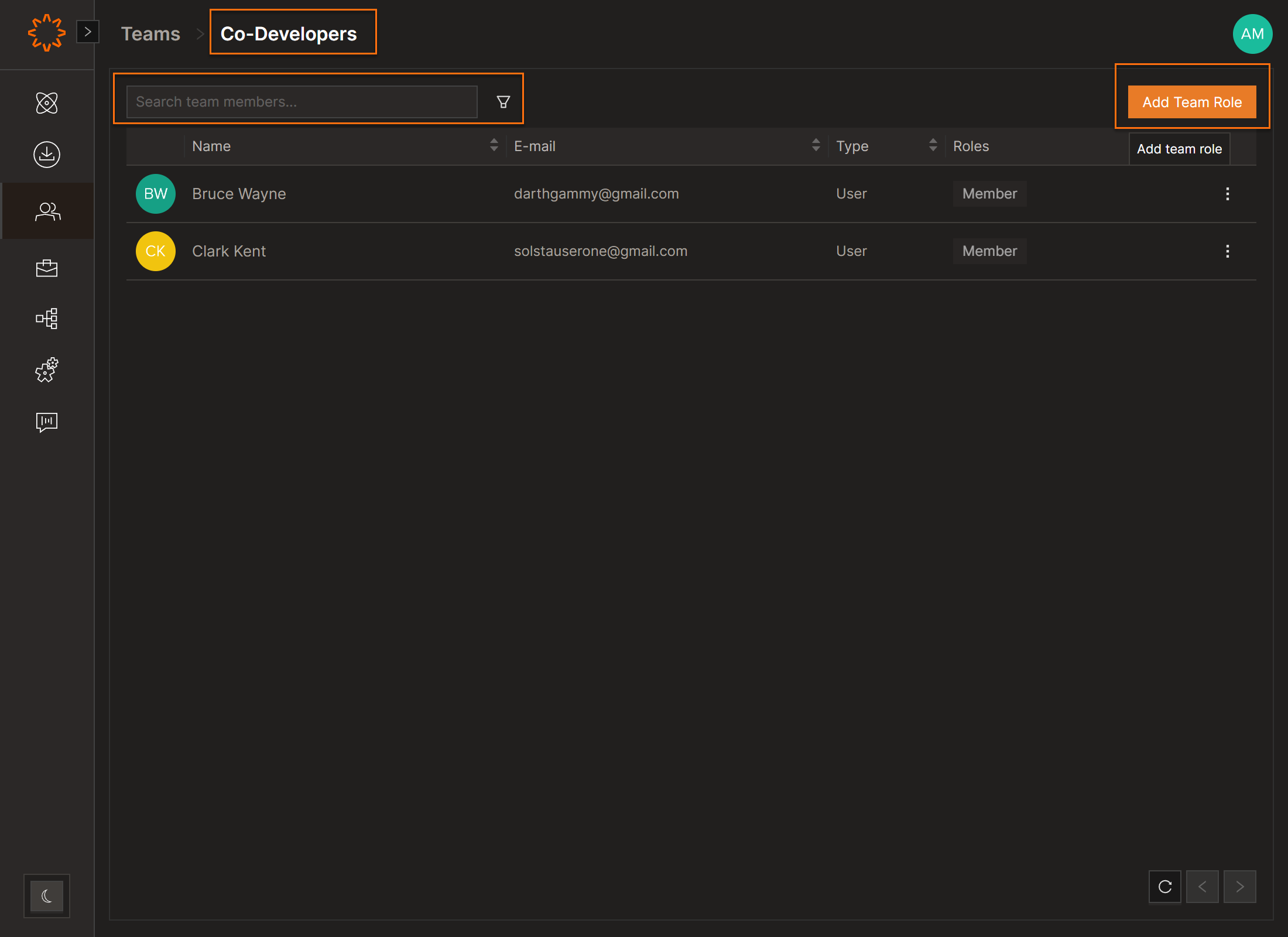
- From the navigation pane, click on Teams
- Select a Team
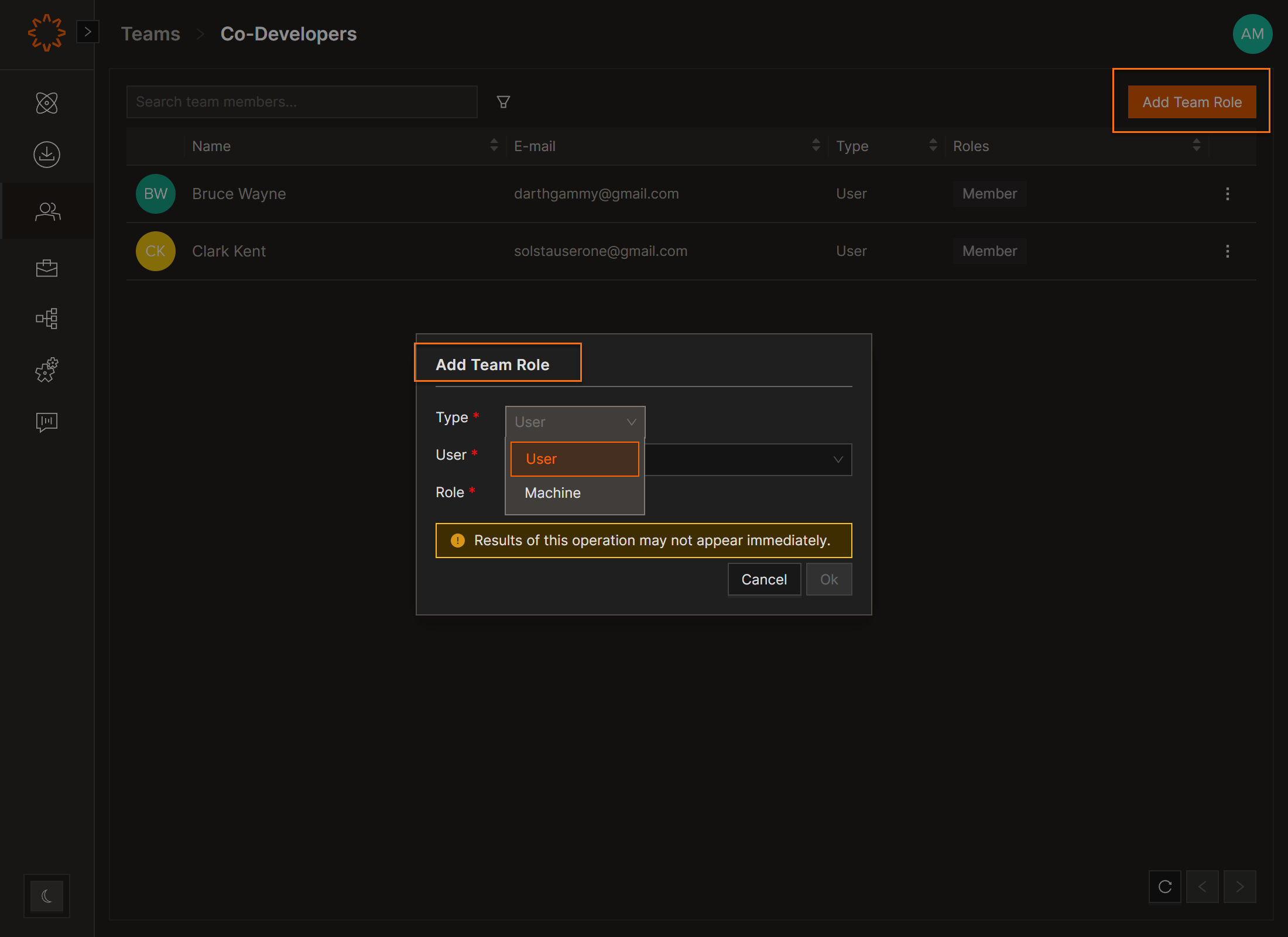
- Click on the "Add Team Role" button on the top right
- From the Add Team Role modal:
- Type = choose User or Machine
- User/Machine = search for and choose the name of the User or Machine
- Role = Member or Admin
- Click OK
Change or Remove Access
To change a role: remove the existing one, then reassign the new role.
To remove access: click the menu buttton to the right of the user’s role → select Delete → Type the confirmation code and click Yes
DOs
DONTs
Pro Tips


