


Environments
Repositories
Promote/Publish
Install/Update
Integrations
Teams
Launch Buttons
Promotions
Tagging


3
min
Creating Teams
Overview:
Only Organization Admins can create teams. They can assign a Team Admin to manage membership for users and machines.
Please see the Team Roles & Permissions article for more details.
Create Teams in Solsta and Assign Product/Environment Permissions
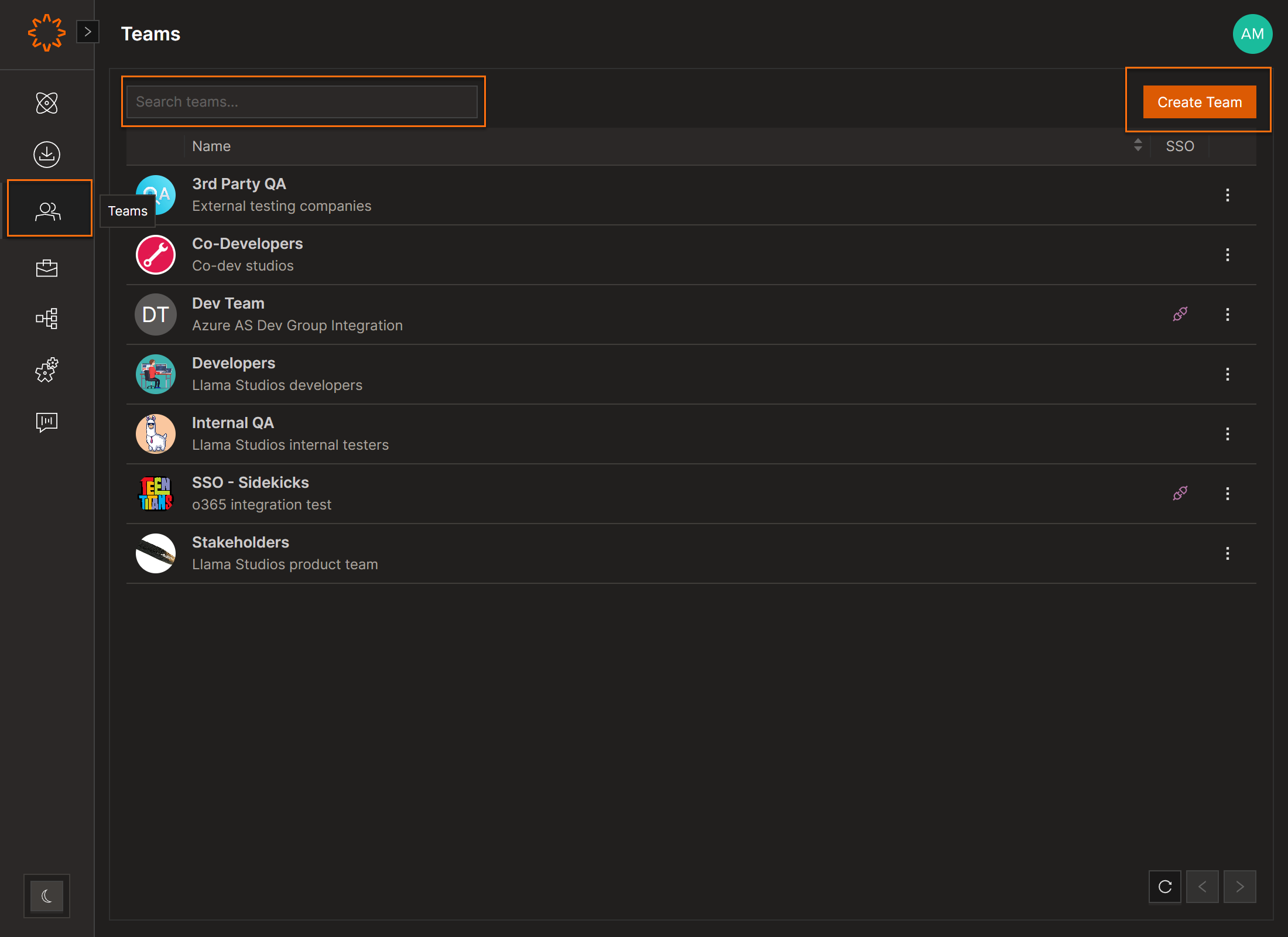
- Open the Teams section
- Click Create Team (top right)
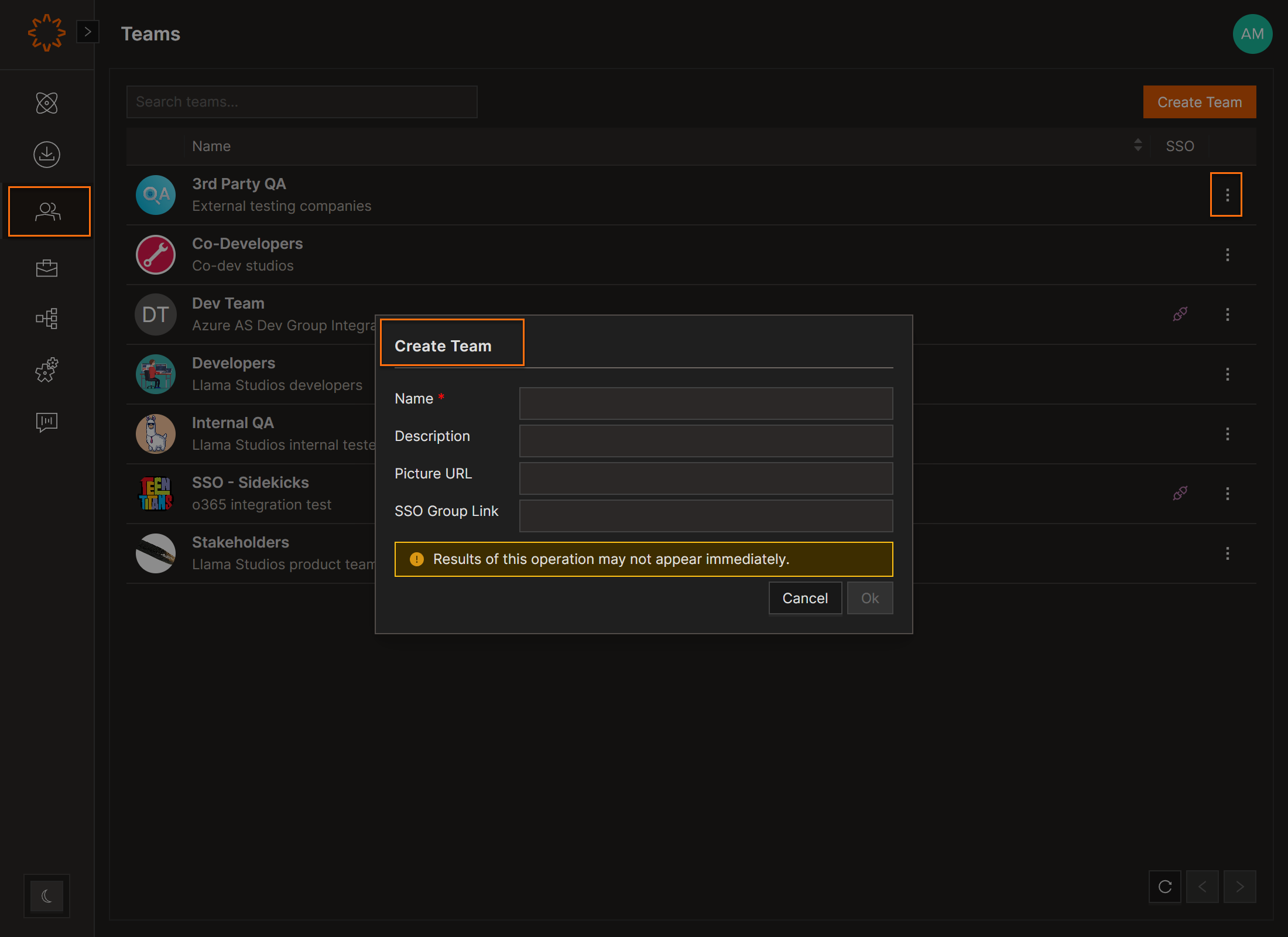
- Enter:
- Name
- Description (optional)
- Picture (optional)
- SSO Group Link (optional)
- Click Create
Tip: You can link a team to an SSO group only during creation (see SSO Azure SSO Group Linking for an example)
Edit/Delete Teams
- Click the three dot menu
- Edit the Name, Description, or Picture URL
- Click OK to save
DOs
DONTs
Pro Tips
You can link a team to an SSO group only during team creation. See the integrations section for more information.


