


Environments
Repositories
Promote/Publish
Install/Update
Integrations
Teams
Launch Buttons
Promotions
Tagging


2
min
Promote Snapshot
Overview:
Promote a snapshot when moving a complete, tested state of an Environment.
A snapshot includes all repository releases and launch buttons, ensuring consistency across environments
(e.g., Dev → QA → Production).
Publishing Snapshot Steps
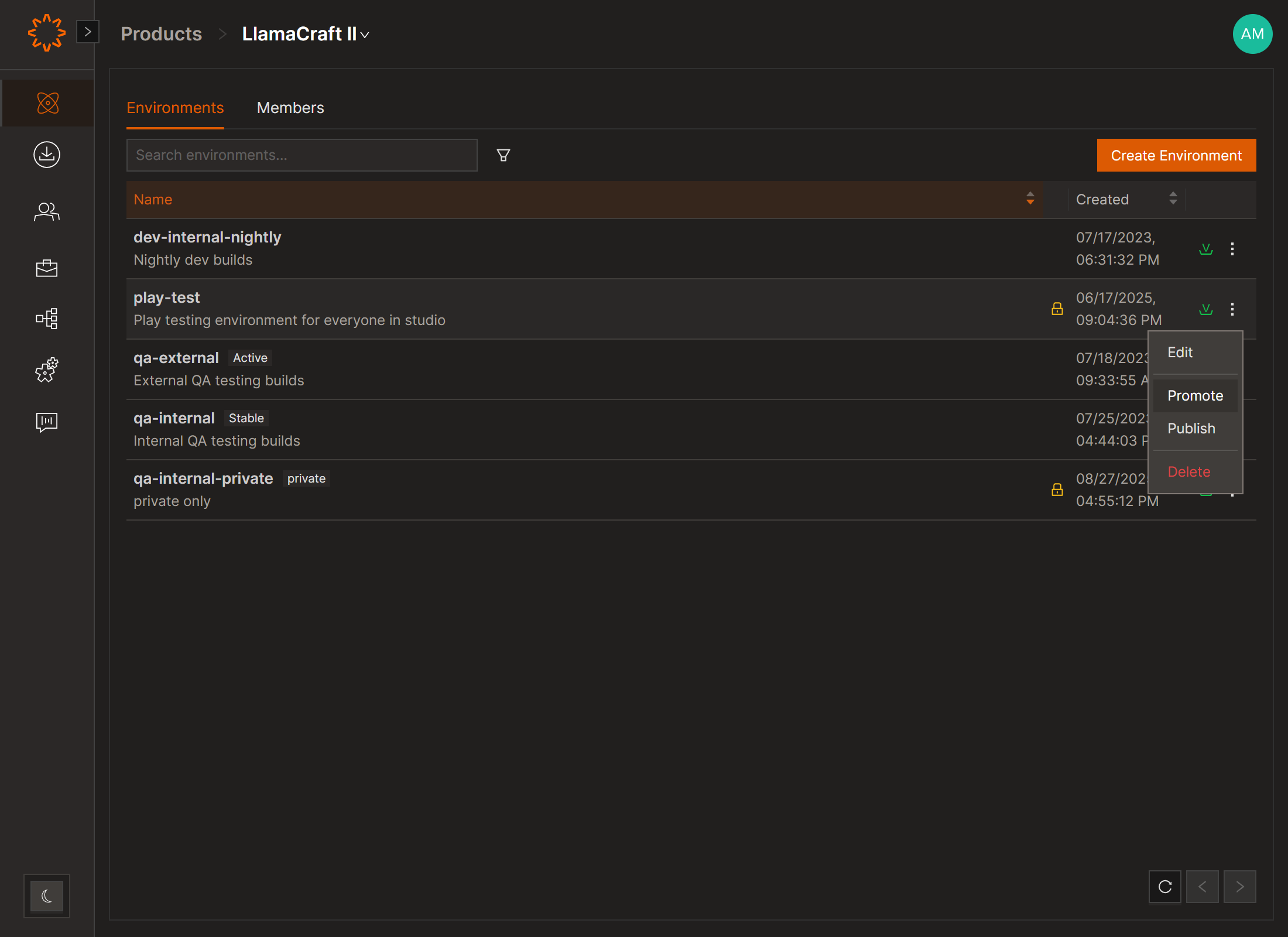
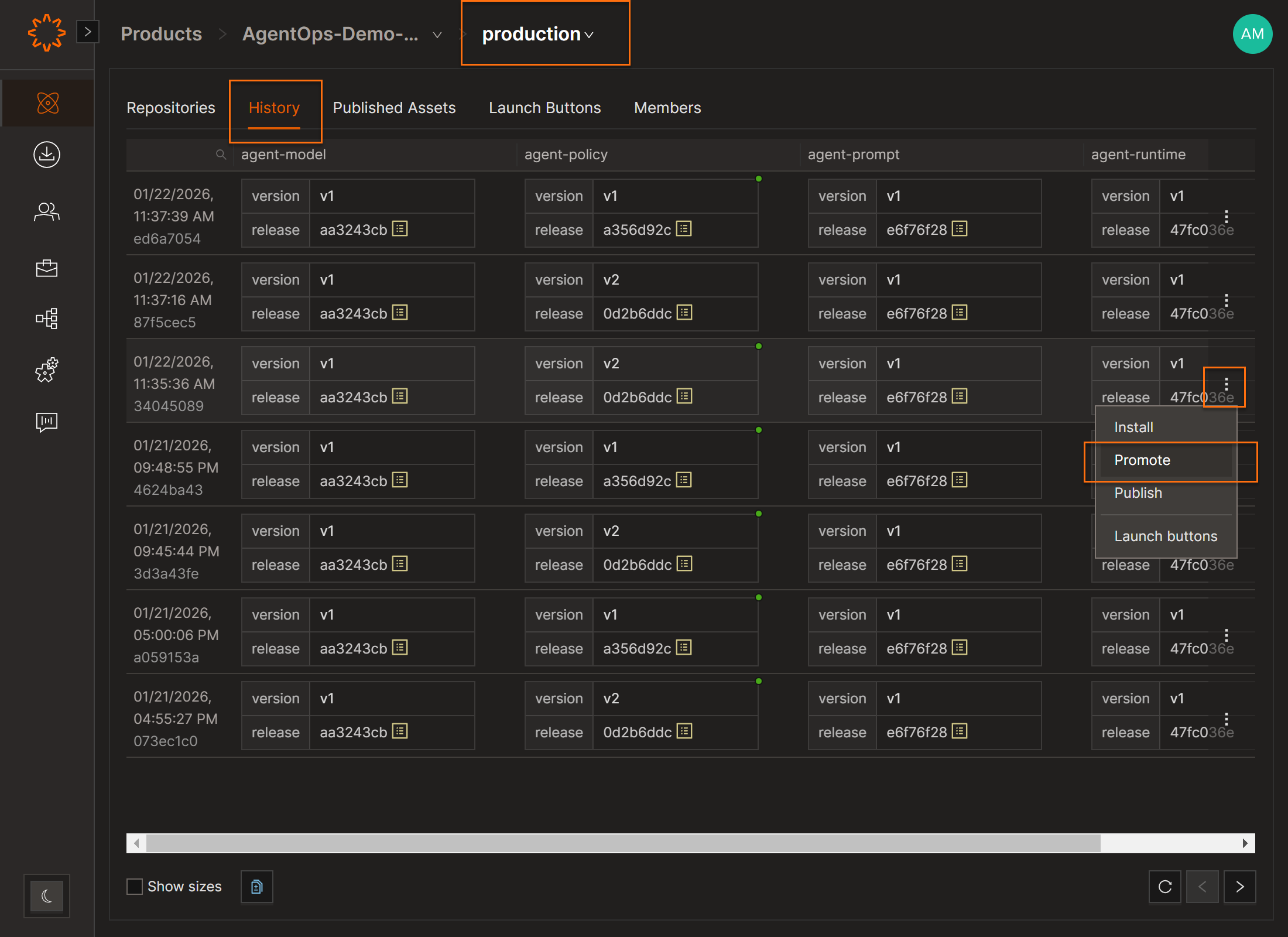
1. Open Product → Environment
2. Go to the History section.
3. Click the three-dot menu next to the snapshot
4. Select Promote
5. Choose the target Environment
6. Confirm
DOs
DONTs
Pro Tips
➡️ Use this when multiple releases (like client + server) were tested together or when you want to include Launch Buttons.


