


Environments
Repositories
Promote/Publish
Install/Update
Integrations
Teams
Launch Buttons
Promotions
Tagging


2
min
Create Repository
Overview:
Repositories store the files or assets included in an Environment — such as a game client, server, or assets pack.
Create a Repository
Steps
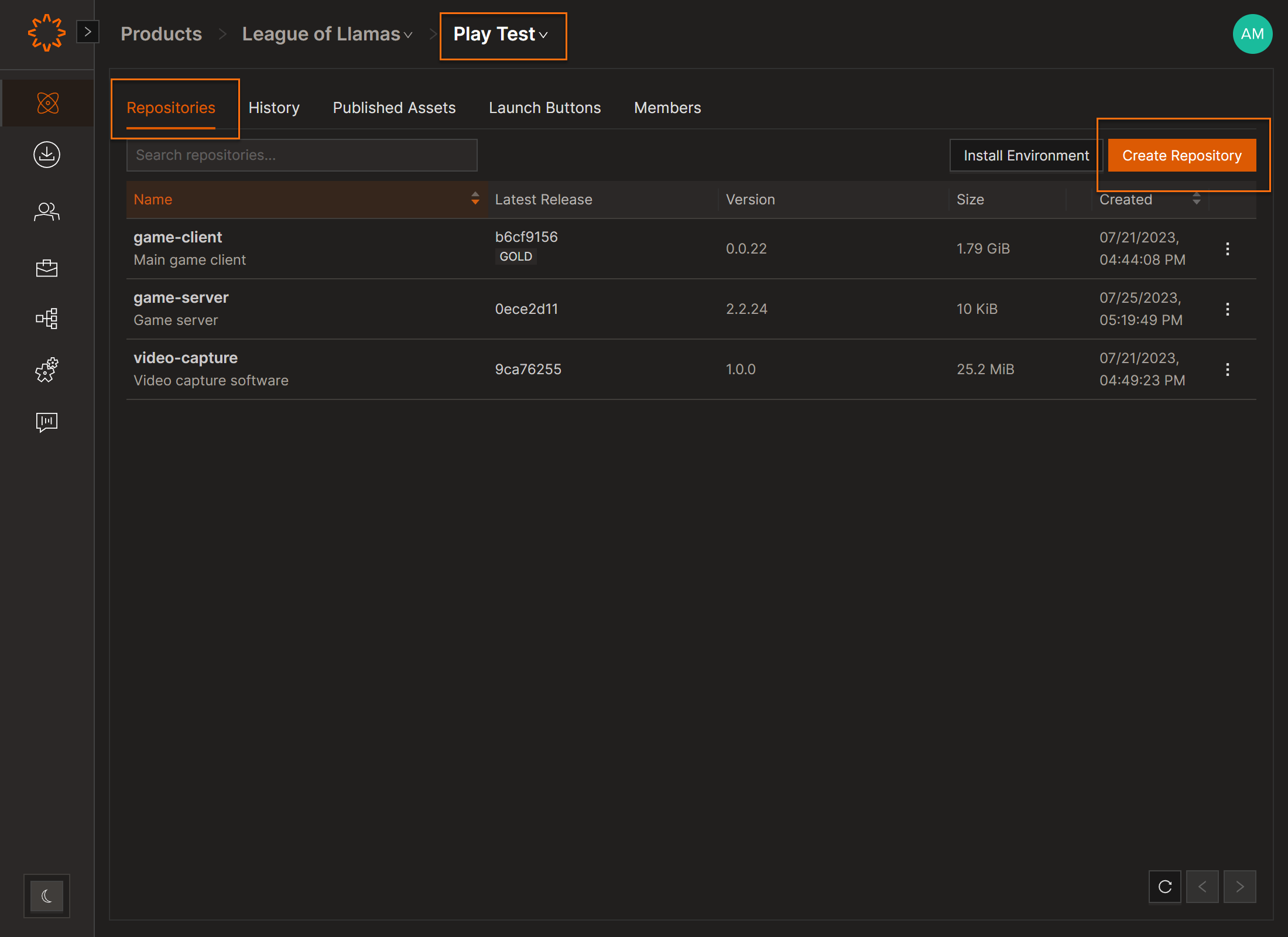
- Open Product → Environment.
- In the Repositories section, click Create Repository.
- Enter repository details.
- Set installation behavior:
- Required – Installed automatically
- Optional – User selects during install
- (Optional) Enable Deletion Protection to prevent accidental removal.
- Click Create.
The repository is now available within the selected Environment.
DOs
DONTs
Pro Tips


